
Adobe Commerce POS System Development

Appic Softwares can help you create a flexible Adobe Commerce POS system that helps you manage your store, a revenue, and provide a better customer experience.
Trusted by Corporations, Enterprises, And Startups
Aavas Financiers logo
Asics logo
LG logo
Bridl logo
HomeTab logo
Tata logo
Balaji Telefilm logo

Benefits Of Developing An Adobe Commerce Point Of Sale System

An Adobe Commerce POS system makes it easier for you, your sales team, and the customers to checkout and keep a record of the payment. If you have various offline stores and you also sell online then this is an ideal option for you.
Here are the top benefits of creating a POS system using Adobe Commerce-

Different Types Of Adobe Commerce POS Systems That We Can Build

Appic Softwares can help you build a customized POS system that caters to your needs and help you achieve maximum revenue from your store.

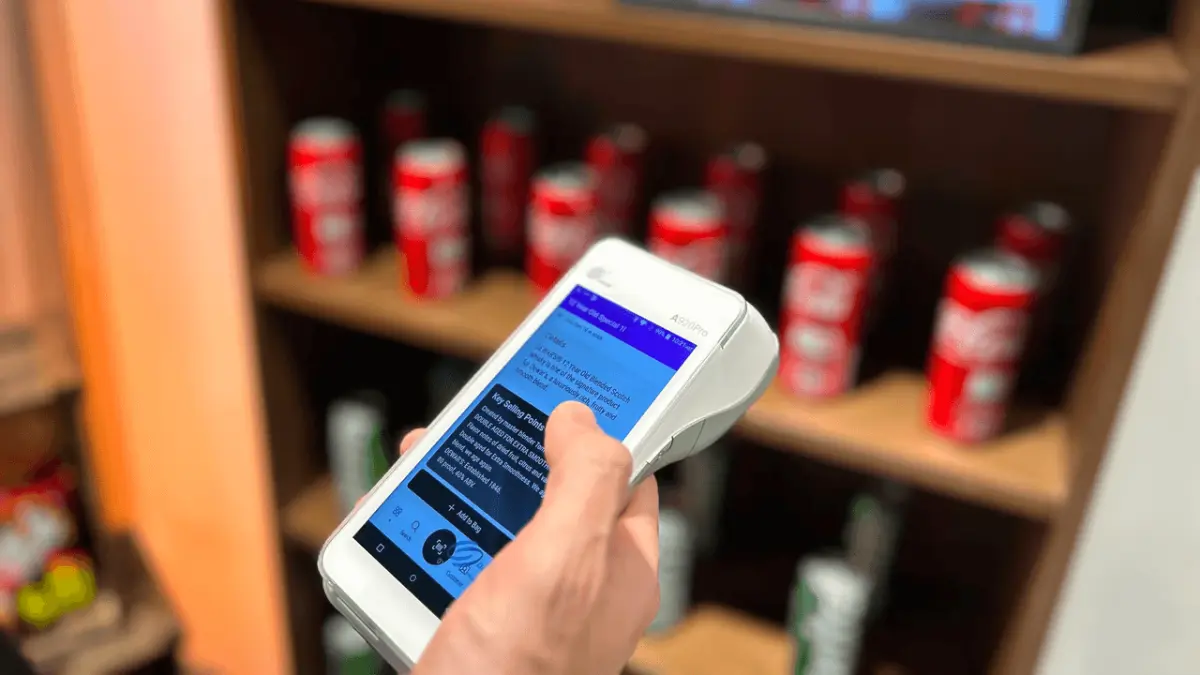
Mobile Point Of Sale

A mPOS helps you manage products if you are offline as all the data is stored within the app. The app won't rely on server data to extract the exact information for you just like a Website POS system.

  • The users can simply install the app and get to know all the information about the products through it.
  • Moreover, as it can be operated through a mobile phone, you won't require a POS machine.
Mobile POS

Web POS

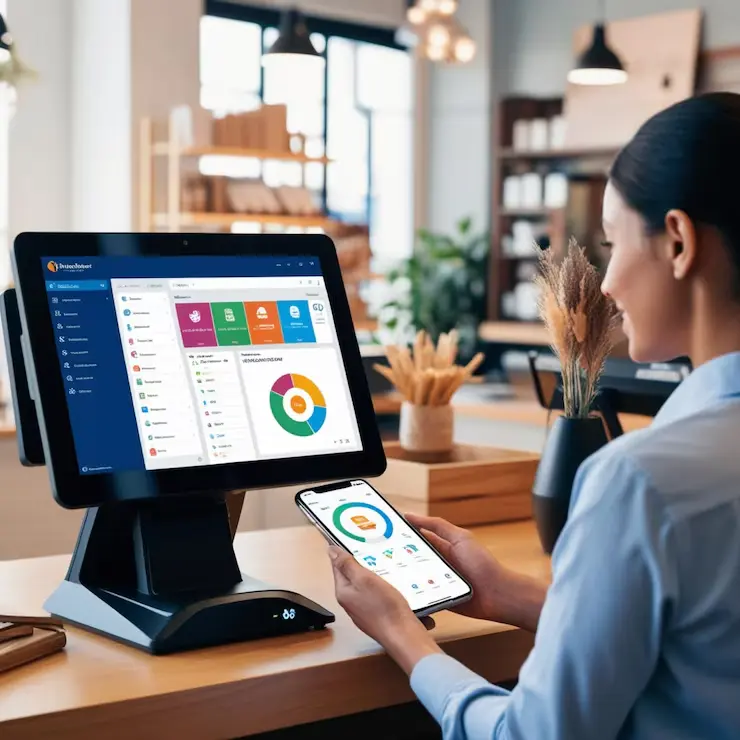
As the name suggests, it's a POS system that can only be operated through a website. You can not use this system if you are not connected to the internet. Web-based POS allows third-party vendors to list their products on your store and in return you can earn commission from them.
Web POS

Native App POS

The native application allows merchants to quickly manage orders through a tablet. We can build native apps for iOS and Android which allows you to manage your store efficiently.
Native App POS

POS Hardware Support

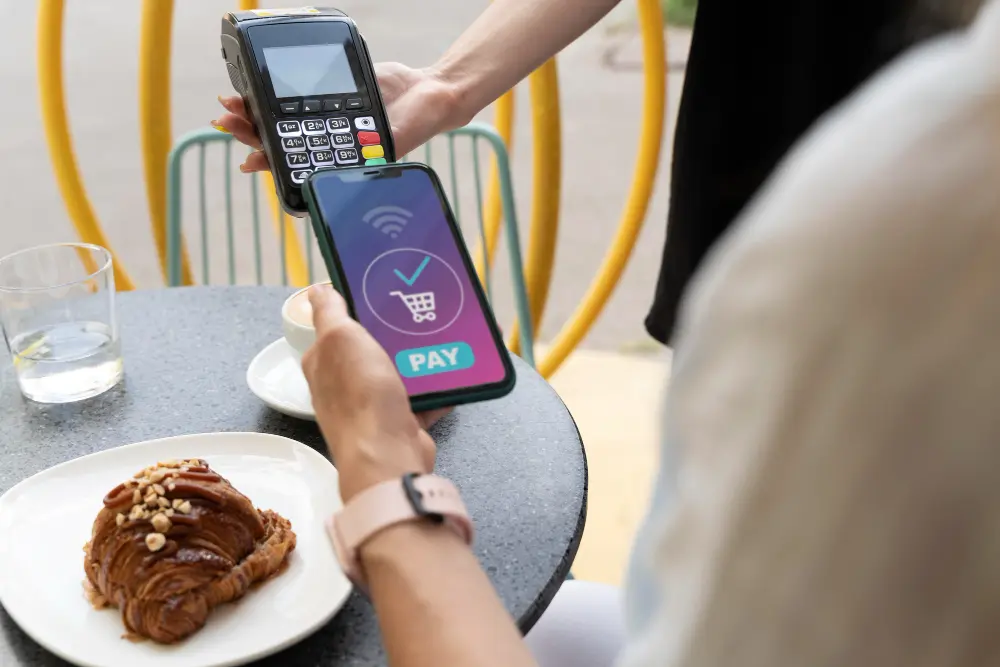
Here is a list of devices that a POS system can be compatible with-

  • Web browsers

    It supports almost every web browser such as Firefox, Chrome, Safari, and more.
  • Barcode label printer

    Allows you to manage offline store sales, the salesperson needs to scan the QR code and paste it on your products.
  • Barcode scanner

    The barcode scanner then can be used to scan the products and their information. This makes it easier for your sales team to manage products and carry out the checkout process.
  • Receipt printer

    Connect the thermal receipt printer with the POS and it will automatically give you the receipt as soon as a product is sold.
POS Hardware Support
Team of talented professionals working in an office

POS software allows you to manage your offline and online store through the same portal. This allows the store owner to efficiently manage the store.

Yes a POS can work in both offline and online format. If you get a mobile app build for your POS then that would allow you to store data in offline format whereas if you build a web POS then you need to have some sort of internet connection to run the servers on the POS.

The duration depends on the list of features you want to include in your software and also the customization you want in it.