

Adobe Commerce POS System Development

Appic Softwares can help you create a flexible Adobe Commerce POS system that helps you manage your store, a revenue, and provide a better customer experience.
Trusted by Corporations, Enterprises, And Startups
Aavas Financiers - Appic Softwares client
Asics
LG
Bridl
HomeTab
Tata
Balaji Telefilm
Mahanagar Times
Aavas Financiers - Appic Softwares client
Asics
LG
Bridl
HomeTab
Tata
Balaji Telefilm
Mahanagar Times
Aavas Financiers - Appic Softwares client
Asics
LG
Bridl
HomeTab
Tata
Balaji Telefilm
Mahanagar Times
Aavas Financiers - Appic Softwares client
Asics
LG
Bridl
HomeTab
Tata
Balaji Telefilm
Mahanagar Times

Benefits Of Developing An Adobe Commerce Point Of Sale System

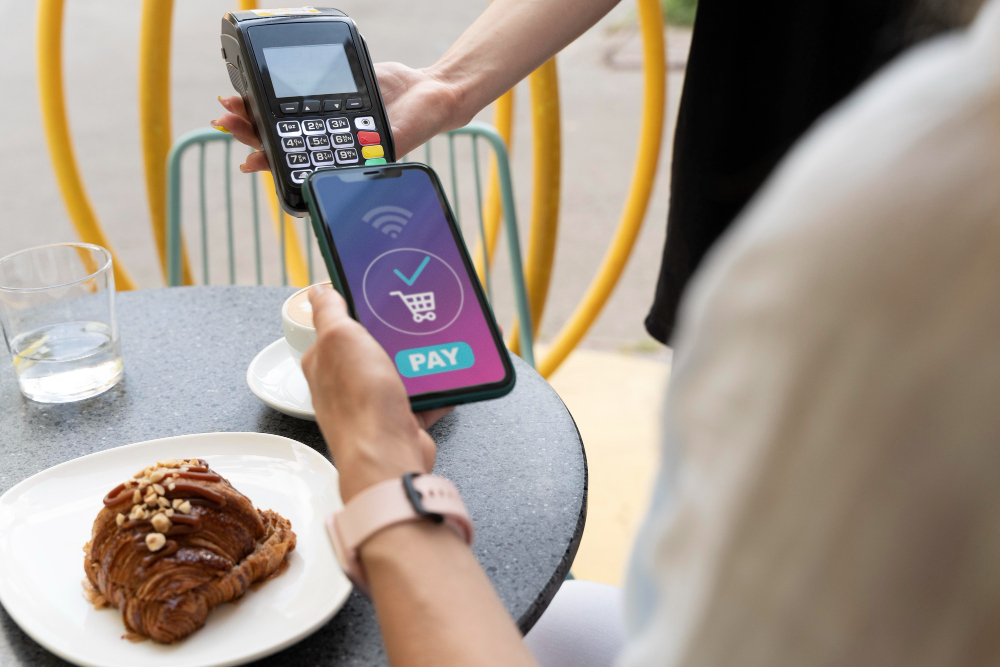
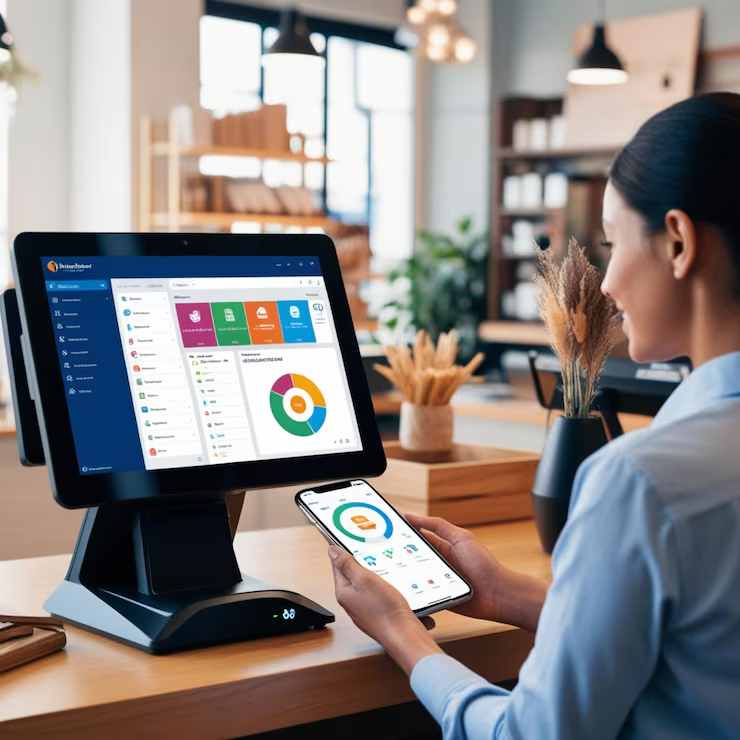
An Adobe Commerce POS system makes it easier for you, your sales team, and the customers to checkout and keep a record of the payment. If you have various offline stores and you also sell online then this is an ideal option for you.
Here are the top benefits of creating a POS system using Adobe Commerce-

01. Real-Time Synchronization

It does not matter if the order is online or offline, as soon as there is a sale of a product, the POS system will quickly make the changes in the sales and inventory sheet. This allows you to easily manage both online and offline stores.
02. Cash Drawers

The POS module has a Cash Drawer feature that allows you to view and calculate the daily cash flow in your business from both the online and offline store.

03. Refresh Stock

The POS system automatically refreshes whenever a product is sold. The system would also inform you about the channel through which the product was sold.

04. Upload Bulk Inventory

A seller can upload bulk information about products through a CSV file that can contain product Id, product status, inventory status, and more.

05. Add To Cart

Through a barcode reader, the products can be easily added to the cart which helps your sales representative to quickly check out the product instead of manually selecting it from the list.

06. Create Cashier Profile

Admin can manage cashier profiles by adding, deleting, disabling, and enabling a cashier profile. Only through the cashier and admin profile, the cash related changes can be made.

Different Types Of Adobe Commerce POS Systems That We Can Build

Appic Softwares can help you build a customized POS system that caters to your needs and help you achieve maximum revenue from your store.

Mobile Point Of Sale

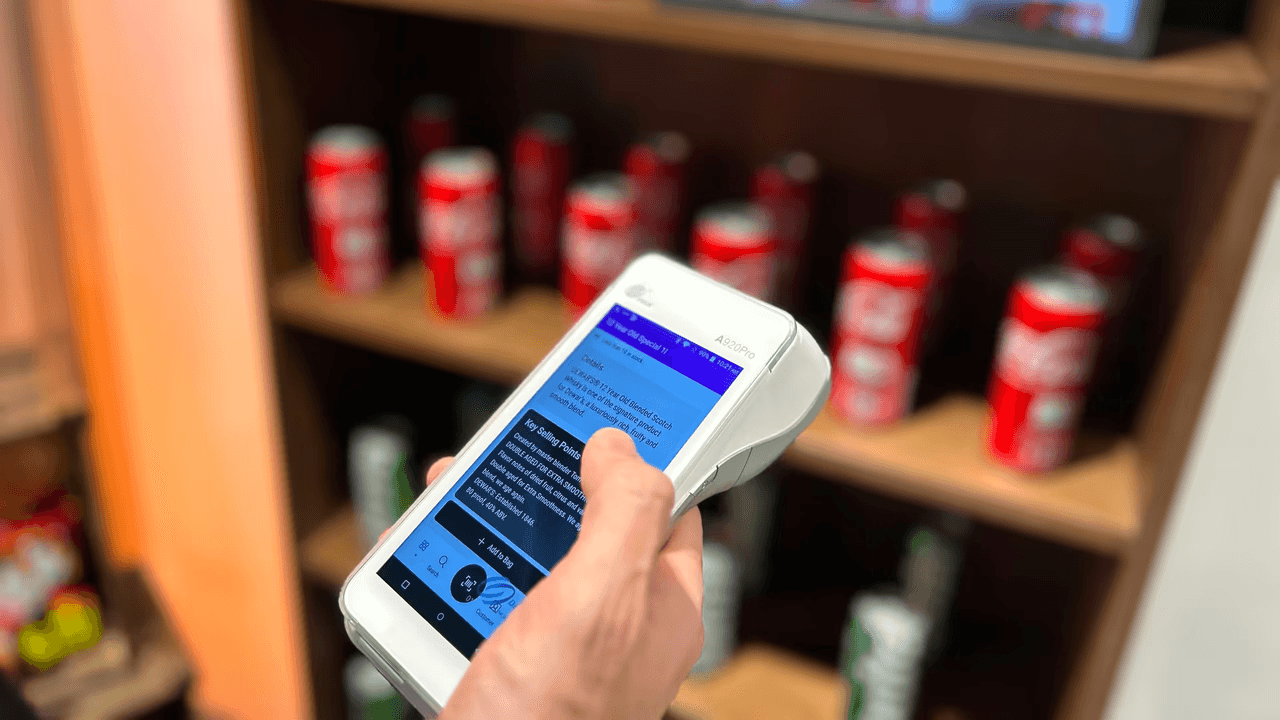
A mPOS helps you manage products if you are offline as all the data is stored within the app. The app won't rely on server data to extract the exact information for you just like a Website POS system.

  • The users can simply install the app and get to know all the information about the products through it.
  • Moreover, as it can be operated through a mobile phone, you won't require a POS machine.
Mobile POS

Web POS

As the name suggests, it's a POS system that can only be operated through a website. You can not use this system if you are not connected to the internet. Web-based POS allows third-party vendors to list their products on your store and in return you can earn commission from them.
Web POS

Native App POS

The native application allows merchants to quickly manage orders through a tablet. We can build native apps for iOS and Android which allows you to manage your store efficiently.
Native App POS

POS Hardware Support

Here is a list of devices that a POS system can be compatible with-

  • Web browsers

    It supports almost every web browser such as Firefox, Chrome, Safari, and more.
  • Barcode label printer

    Allows you to manage offline store sales, the salesperson needs to scan the QR code and paste it on your products.
  • Barcode scanner

    The barcode scanner then can be used to scan the products and their information. This makes it easier for your sales team to manage products and carry out the checkout process.
  • Receipt printer

    Connect the thermal receipt printer with the POS and it will automatically give you the receipt as soon as a product is sold.
POS Hardware Support

Experience the Power of Next-Gen Mobile Solutions

As a trusted Flutter App Development Company, we deliver fast, future-ready, cross-platform apps.

  • 95%

    Client Retention Rate

  • $10M+

    Investment Raised by Startups

  • 300+

    Mobile Apps Developed

Our Adobe Commerce POS Development Process

Appic Softwares would provide you with a team of Project managers, designers, developers, and testers that would follow an agile development methodology and work as a team. We will also be providing you with regular feedback about the status of your project.

Seller Microsite

Seller/Vendor profile and website, similar to Etsy or Amazon.

Product Catalogue

Vendor catalog for inventory and stock management with full CRUD functions.

Rating & Reviews

Ratings for vendors and products are essential for any B2C marketplace since they let customers select among top sellers.

Seller Commission

A proper commission-based selling portal that allows you to automatically gain commission for every product sold.

Shipping & Taxes

The vendor is able to handle their taxes and shipments.

Multi Theme Support

The support for themes ranging from LTR to RTL.

Arabic RTL Support

Arabic, German, or English marketplace layout support is universal.

Mobile App Development

Customers and suppliers may manage products, orders, ratings, and reviews with a single app.

Contact Seller

Support for messaging and chat platforms.

Responsive Design

Operates on all gadgets, including desktop and mobile.

Add-Ons

Personalized Add-ons for total scalability.

Total revenue of mobile apps is expected to grow at a CAGR of 9.27%, and it is estimated to reach $614.40 billion by 2026.

Thus if you are planning to digitalize your services then it's the right time. Consult Our App Developers!

Team of talented professionals working in an office

Frequently Asked Questions

What is POS software?

POS software allows you to manage your offline and online store through the same portal. This allows the store owner to efficiently manage the store.

Is it possible to use the POS in an offline mode?

Yes a POS can work in both offline and online format. If you get a mobile app build for your POS then that would allow you to store data in offline format whereas if you build a web POS then you need to have some sort of internet connection to run the servers on the POS.

How Long Does It Take To Build A POS System?

The duration depends on the list of features you want to include in your software and also the customization you want in it.