10 Easy Steps To Add Captcha Protection To A Drupal Site

Do you know, that Captcha has an 8% failure rate and 29% if it’s case-sensitive? This protects your site from robots or bots that enter your website and create unwanted traffic. If you have a Drupal website and are looking for ways to protect it using Captcha then you are at the right place.
Why Captcha Is Important?
CAPTCHA, which stands for “Completely Automated Public Turing Test to Tell Computers and Humans Apart,” is important for several reasons:
- Spam and Bot Prevention: One of the primary purposes of CAPTCHA is to distinguish between automated bots and human users. Bots can be programmed to perform various tasks on the internet, including submitting forms, creating accounts, posting comments, and sending spam emails. CAPTCHAs help prevent these automated actions, reducing the overall volume of spam and malicious activities on websites.
- Account Security: CAPTCHAs are often used during the account creation process to verify that the person creating the account is indeed a human. This helps protect against automated account creation, which can be used for spamming, fraud, or other malicious purposes.
- Website Security: By implementing CAPTCHA on login pages, websites can prevent brute force attacks where bots repeatedly try to guess usernames and passwords. This adds a layer of security to protect user accounts.
- Data Quality: In situations where users submit information or complete forms online, CAPTCHA can help ensure the quality of the data being collected. By filtering out automated submissions, websites can gather more accurate and reliable information from users.
- Protecting Online Services: Many online services, such as ticket booking, online polls, and online gaming, use CAPTCHAs to prevent bots from unfairly accessing or monopolizing their services. This ensures a better user experience for legitimate users.
- Digital Advertising: CAPTCHAs can be used to prevent automated bots from clicking on ads, which can fraudulently drive up advertising costs and distort the effectiveness of online advertising campaigns.
- Accessibility: While CAPTCHAs are important for security, it’s also important to consider accessibility for users with disabilities. CAPTCHAs should be designed to accommodate users with visual or hearing impairments, ensuring that they can still complete the test or access the service.
- Ethical Considerations: CAPTCHAs have evolved to become more user-friendly over time, but their importance is also tied to ethical considerations. Striking a balance between security and user experience is crucial, as overly complex CAPTCHAs can frustrate and deter legitimate users.
Read this blog:-How To Integrate Google Tag Manager With Drupal 9?
10 Steps To Add Captcha Protection To A Drupal Site
- Visit https://drupal.org/project/captcha using your web browser.
- Download the.gz file to your computer from Downloads.
- Log in as the administrator to your Drupal website.
- Select Modules from the top menu bar, and then select Install new module.
- Select the.gz file on your local computer by clicking Browse, and then click Install. CAPTCHA is installed by Drupal.
- Click Enable newly installed modules under Next steps. The page for modules appears.
- Select the ENABLED check box next to the CAPTCHA module as you scroll down to SPAM CONTROL.
- Save the configuration by clicking.
- Go back to SPAM CONTROL and scroll down. Then, select Configure for the CAPTCHA module. The setup page for the CAPTCHA module displays.
- The sections of your website that are CAPTCHA-protected can now be specified. For instance, locate user_register_form in the FORM_ID column, choose the challenge type, and then click Save settings to safeguard registration forms. Visit your Drupal website and click the register link to verify this. A CAPTCHA is visible in Drupal’s signup form.
Conclusion
Now, in the end, we hope that through this post you were able to gain knowledge on how to add Captcha to your Drupal site. However, if you are looking for a Drupal development company that can help you manage your Drupal site, then you should check out Appic Softwares.
You can even hire Dedicated Drupal developers from us and let them manage your site.
So, what are you waiting for?
Related Articles
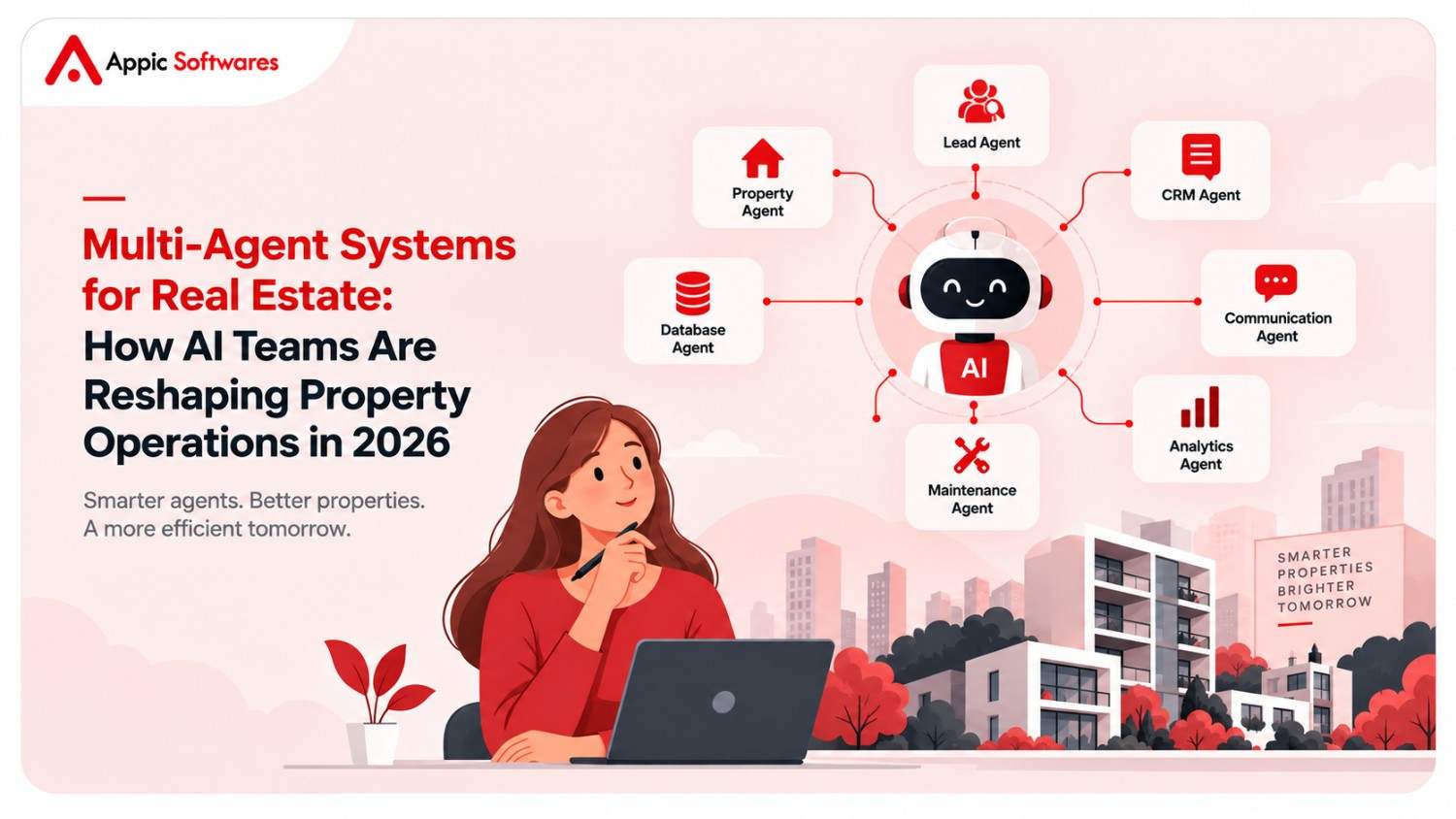
Multi-Agent Systems for Real Estate: How AI Teams Are Reshaping Property Operations in 2026
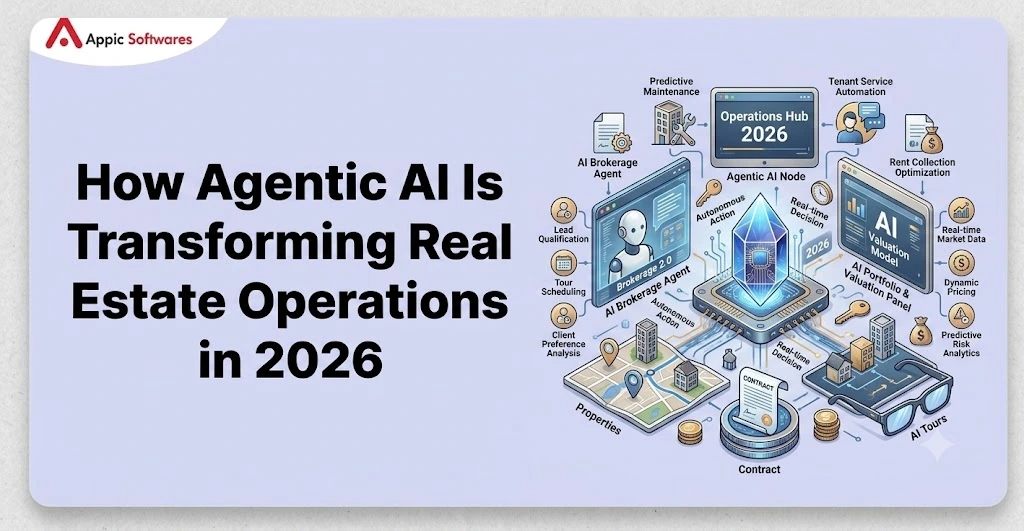
How Agentic AI Is Transforming Real Estate Operations in 2026